
Guides
I Need Integrations for Agents. What are My Options?
The four ways to give AI agents integrations: tool calling, RAG data ingestion, workflow builders, and bidirectional sync. Compared, with platforms for each.

Garrett Scott
,
Head of Marketing
If you have an AI agent but need a way to integrate dozens of third-party APIs and data silos that make up a core of your business, you have four options: tool calling, data integration for RAG, workflow builders, and bidirectional synchronization. This guide will discuss your four options and the platforms that offer them.
What’s the Purpose of AI Agent Integrations?
Let’s say that you have an agent that will use data from a wide range of platforms. For example, it’s common for an agent to be available to sales managers so that they can query data about sales outcomes for the quarter, sales predictions, analysis of products, and any sales-related query. In an enterprise, sales data is usually spread across several platforms including Salesforce, Hubspot, Freshsales, and Microsoft Dynamics.
Your AI agent could pull data from each one of these platforms, or it can pull information from a single location and let the integration provider handle communication with each sales platform. Data ingestion, chunking, scrubbing, processing, and scoring are all done on the backend integrations platform. Your developers are only responsible for the AI agent coding, which reduces a lot of overhead for your development team.
An Overview of Each Option
Tool Calling
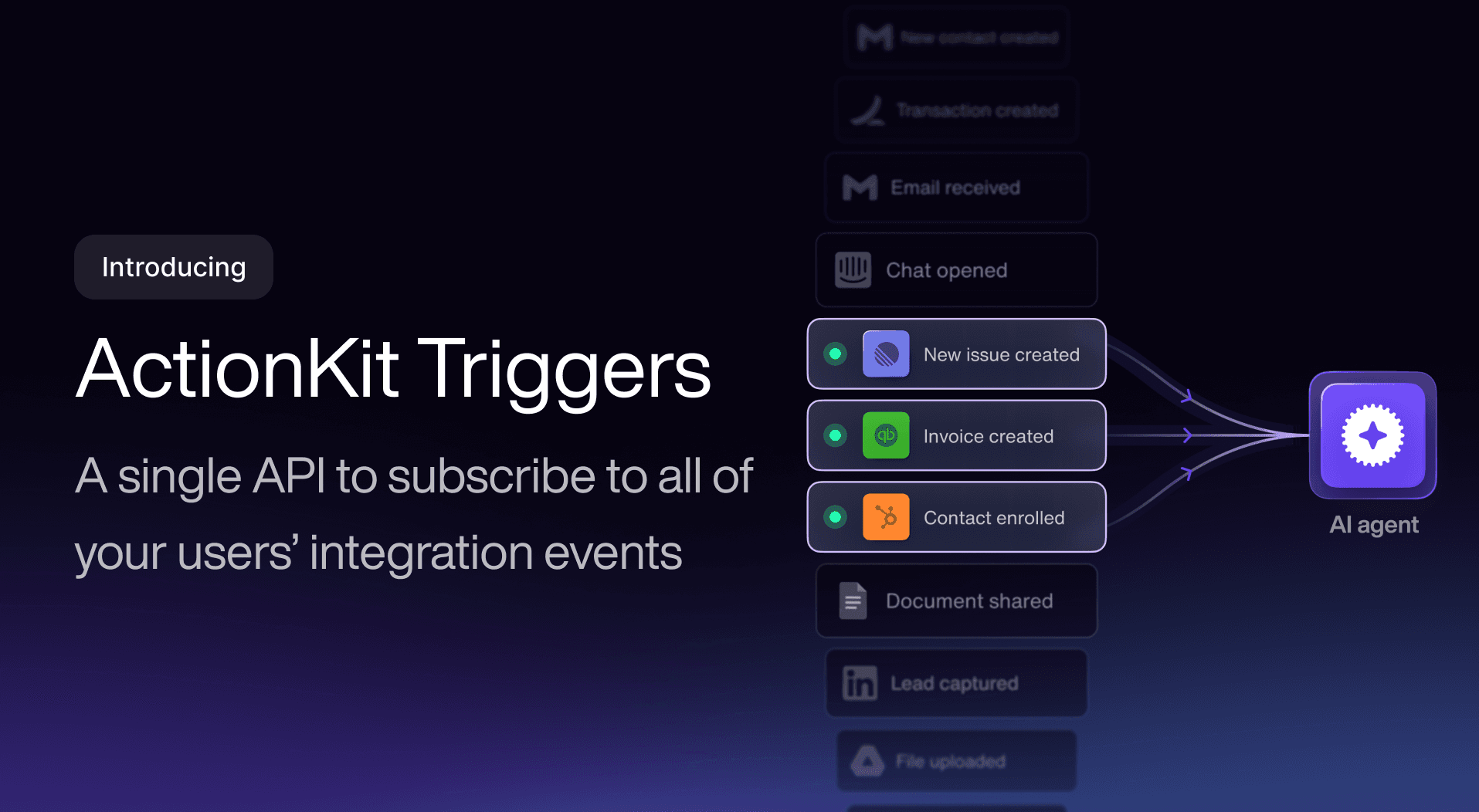
An AI agent needs data from the right platform to provide answers. Instead of coding this decision into your own application, you can use tool calling integration to make the decision. Platforms offering this option are Composio, Paragon, Nango, Unified.to, and Apideck.
Data Integrations for RAG
RAG takes data, chunks and stores it into vector databases, and builds queries to send to LLMs for conversational answers. A lot of infrastructure goes into RAG systems, so it can be a huge hurdle for enterprises unfamiliar with how RAG works. Platforms offering RAG systems and data ingestion are Merge, Unified.to, Nango, Composio, and Paragon.
Workflow Builders
Instead of leaving integration to coders, workflow builders let users work with a graphical user interface and build their own. Platforms like n8n are general workflow builders, while Paragon is purpose-built as an embedded, white-labeled workflow integration that B2B SaaS companies ship inside their own product for their customers.
Bidirectional Synchronization
Some businesses host on-premises data and data in the cloud. Bidirectional syncs ensure that data persists across both locations. For example, if a user updates a spreadsheet in Google Sheets, the data is pushed to Jira or Asana for ticketing, and vice versa. Platforms offering bidirectional synchronization include Paragon, Nango, and Apideck.
Comparison Table for Integrations for AI Agents
Tool Calling | Data Integrations for RAG | Workflow Builders | Bidirectional Sync | |
|---|---|---|---|---|
Description | Agents work with third-party tools | Ingests third-party tool data for RAG | Visual tools for creating agent workflows and automation logic | Two-way data manipulation between local data silos and third-party tools |
Direction | Agent reads/writes to third-party tools | External RAG sends data to agent | User-defined configuration for read/writes in both directions | Data synced in both directions |
Action Triggers | Real-time and on-demand | Scheduled ingestion | Event-based or scheduled | Small interval polling / near real-time |
Benefits | Immediate real-time read/write actions | Supports semantic searches, improves accuracy of answers | Accessible to non-devs, user-defined workflows and logic | Data always updated between local and third-party platforms |
Disadvantages | No event listening, scaling is expensive | Complex integrations and storage costs for large data silos | Vendor lock-in, debugging difficult for non-devs | Highest infrastructure costs, data conflict resolutions |
Best Use Case | AI agents must perform actions on third-party tool | Semantic searches for chatbots and user assistants | User-built automations and orchestrations | Consistency across local and platform data |
Choose if | Agent needs to automate actions on behalf of users | Agent needs to provide answers to user queries | Non-dev users need to automate workflows | Third-party platform must always match local systems |
Benefits of a Unified API for AI Integrations
Reduced token usage: Every call to an LLM costs tokens, and tokens are money burned. You can offload RAG to the unified API to eliminate the trial-and-error of building RAG yourself.
Schema standardization: A unified API consolidates data and creates a standardized schema for your applications to use, so differing JSON formats and field names across platforms are no longer your problem.
Third-party tool changes don’t affect your code: When a platform changes its API backend, the unified API absorbs the changes. Your application still receives the same schema.
Offloaded rate limiting: Some APIs sync data to avoid rate limits, and others like Paragon let you set your synchronization intervals to avoid being rate limited.
Better scalability: Instead of developing a new integration, you can simply add a new connector in the unified API, letting you scale without planning, coding, and testing an entirely new API.
Model Context Protocol (MCP) support: Unified APIs host MCP servers to eliminate the technical work and give AI agents an endpoint to connect to third-party tools for conversational queries.
MCP Server Explanation
If you are looking into integrations for agents, you’ll see references to Model Context Protocol (MCP). Think of MCP servers as middlemen that facilitate communication between your agents and the third-party platform. MCP servers are specific for AI-based actions with the platform of your choice.
As an example, suppose you have an agent built to automatically build reports for your salespeople every morning. The AI agent “talks” to the MCP server and tells it that it needs data from the corporate sales platforms. The MCP server pulls the data and provides it back to the agent. Your agent logic builds the report, but the MCP server provides the communication pathway between the agent and the third-party tool.
The benefit of the MCP server is that you don’t need to code any infrastructure and logic into platform connectors—the MCP handles it for you. As you search for the right agent option, the provider you choose should have an MCP server that can handle your requests.
Top Unified APIs and Agent Integration Options
Tool Calling | Data Integrations for RAG | Workflow Builders | Bidirectional Sync | |
|---|---|---|---|---|
Paragon | ActionKit offers pre-built LLM tools via MCP servers (multi-tenant) and tool API | Managed sync with common models permission API for ingestion | Native visual workflow builder and SDK | Native sync actions and API action controls |
Merge | Agent Handler with MCP server and tool API | Sync and cache model for data ingestion | No visual workflow builder | Syncs with data mapping |
Unified.to | MCP server with over 20,000 tools, PII stripping | Must build ingestion yourself, but real-time data ingestion | No visual workflow builder | No native sync |
Nango | Single-tenant MCP server, but you handle tool logic | Syncs and webhooks, you control syncs | No visual workflow builder | Custom logic defines sync activity |
Composio | Native MCP server, over 500 tools and SDKs | No data syncs for ingestion | No visual workflow builder | No bidirectional sync |
Apideck | MCP server with Dynamic Mode | Some RAG ingestion but limited depth | No visual workflow builder | Some sync support but limited scope |
How to Find the Right Integration Platform for Your AI Agents
The takeaway is that the right integration platform depends on your use case. Don’t forget to consider scale and future use cases. Changing unified API vendors is challenging, so you can reduce a lot of future frustration by picking the right vendor for current and future business issues.
Paragon stands out by letting your customers build and control their own integrations through an embedded, no-code interface, rather than leaving that work to your engineering team. The drag-and-drop interface works with hundreds of connectors and thousands of integration actions with ActionKit via multi-tenant MCP servers.
FAQs
What are the options for businesses that need AI agent integrations?
If you’re looking for a unified API vendor for AI agent integrations, you have four types of options: tool calling, data ingestion for RAG, workflow builders, and bidirectional data synchronization.
What should businesses look for when they need AI agent integrations?
The main component for AI agent integration is MCP, or Model Context Protocol. MCP servers provide AI agents with standardized communication so they can work with multiple third-party SaaS applications. Ideally, the vendor you choose should have multi-tenant MCP servers to avoid account limitations.
What is the best option if my users don’t have coding experience?
Some unified APIs require engineering, but a workflow builder is an option for businesses that need a way for users to build their own AI agent logic.
What are the benefits of a unified API for AI agent integration?
Working with a unified API lowers the cost and time of development, optimizes and reduces token usage, and provides connectivity with the Model Context Protocol (MCP).
Can a unified API work with all my SaaS applications?
Most unified API vendors offer dozens of SaaS application connections, but not every vendor supports the same applications. Ensure the vendor you choose has MCP servers that can communicate with the SaaS applications used in your core business productivity.