

Comparison
What Are the Top Unified APIs?
A side-by-side look at the top unified APIs (Nango, Merge, Apideck, Unified.to, Paragon) with architecture, connectors, MCP support, and who each fits.

Garrett Scott
,
Head of Marketing
The top unified APIs are Nango, Merge, Apideck, Unified.to, and Paragon. Nango fits engineer-heavy teams that want open-source and the most connectors; Merge suits enterprises focused on HR, accounting, and CRM; Apideck works as a broad, easy starting point; Unified.to is built for data privacy and real-time results; and Paragon fits B2B SaaS teams that need a white-labeled, embeddable experience with multi-tenant MCP support for AI agents.
Suppose that your organization uses multiple storage platforms including Google Drive, DropBox, and AWS buckets. You could manage code for all three platforms, or you could use a unified API that works with all three platforms for you. A unified API can connect your applications to hundreds of other SaaS tools. Developers manage code for a single endpoint on the unified platform API, and the unified API handles the rest, including OAuth authentication for your users.
We won’t go too far into the basic details for unified APIs, because we covered the basics of unified APIs already. This article will focus on the top unified APIs on the market and the pros and cons for each vendor to help you decide on what’s best for you.
Overview of the Top Unified APIs
This article will talk about five top unified APIs, including Nango, Merge, Apideck, Unified.to and Paragon. Here is a brief overview of all five for a TLDR of each vendor.
Nango
Nango is the best for engineer-heavy businesses where high customizations and code control are a concern. It’s open-source and supports over 800 APIs across several categories including CRM, ERP, accounting, e-commerce, email, and documents. It offers the most connectors of all the vendors. If you’re a developer and want to work with open-source, Nango is a good option.
Merge
For a more generalized approach, Merge has unification for six categories and 220 integrations. Merge works by first importing data to its platform and then letting you query their platform for data, which improves performance but limits real-time data analysis. Because it’s made for enterprise, Merge has a high rate limit for a large volume of queries. Merge is best for enterprises focused on HR, accounting, and CRM integrations.
Apideck
Apideck has a wider range of connectors compared to Nango and Merge. Developers can use Apideck’s SDKs to integrate the unified API directly into their software without writing code from scratch. Apideck is a good “starter” for unified API integration, but it can often lack features when businesses have edge-case scenarios. Use Apideck if you are new to unified APIs and don’t have many business use cases for them yet.
Unified.to
For businesses concerned with privacy, Unified.to does not store any data. When an API call is made, data passes through Unified.to proxies without being cached. This is great for privacy, but it could harm performance. Because there is no caching, data and queries are presented in real-time. Unified.to is best for businesses concerned with data privacy and a need for real-time data results.
Paragon
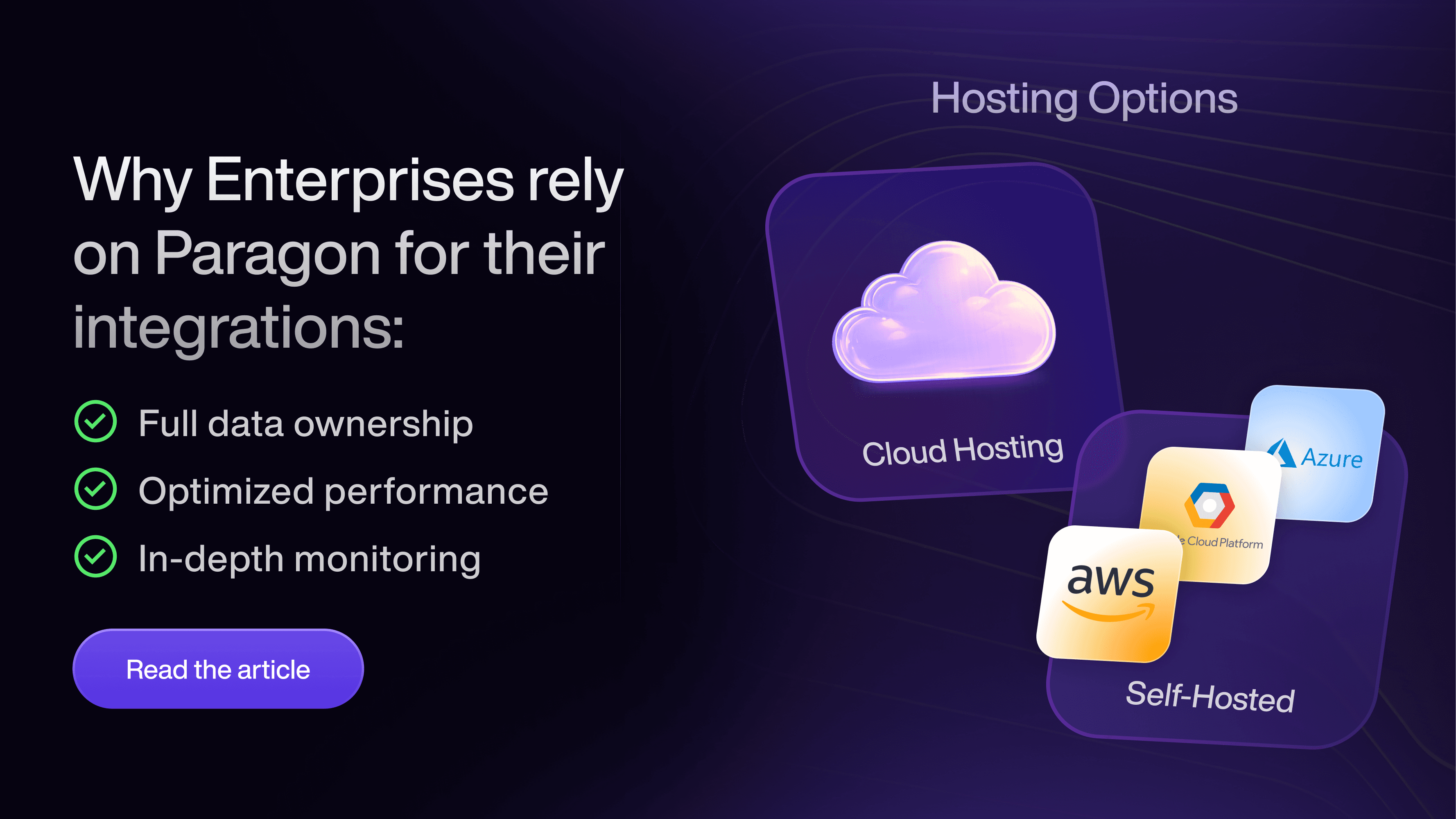
Paragon is a B2B SaaS platform (specifically, an iPaaS, or integration Platform as a Service) that solves business problems when their core features depend on multiple APIs. Paragon focuses on enterprise operations where edge cases, customization, and a complete developer experience are necessary including observability, whitelabeling, AI-based analysis, customizations, and a wide range of category integrations. It has a friendly drag-and-drop user interface making it easier for non-developers as well. It also had an on-premise option for businesses concerned about where they are hosting their data (data privacy). Paragon is best for B2B businesses or agencies that need scalability, AI solutions, and want to white label a solution with a user-friendly interface for their customers.
Comparison Table for Unified APIs
If you’re looking for a quick comparison between Merge, Nango, Apideck, Unified.to, and Paragon, the following table is for you. The MCP row is especially useful for businesses that want to make calls to APIs using AI agents.
Merge | Apideck | Unified.to | Nango | Paragon | |
|---|---|---|---|---|---|
Core Architecture | Sync and cache | Realtime pass-through proxy | Realtime pass-through proxy | Sync and cache | Managed sync and embedded workflows |
Data Sync | Every 5 minutes to 24 hours | Pass-through proxy / no syncing | Pass-through proxy / no syncing | User-defined intervals | User-defined intervals |
Connectors | ~220 | ~200 | ~450 | ~800 | Hundreds |
Extensibility | Remote field mappings | Custom field mapping | Append a field parameter to API request | Customizable sync scripts, custom fields | No restrictions, custom integration builder |
Field Mappings | Yes | Limited | No | Difficult | Yes, via Connect Portal |
Customer UI | Limited | No | Embedded auth only | No | Full whitelabeled UI integration |
Low-Code / No-Code | No-code management | No | No | No | Yes, visual workflow builder and SDK |
MCP Support | Agent handler (MCP server + Tool API) | MCP server with Dynamic Mode | MCP server only | Native MCP server, but 1 server per account | ActionKit (MCP server and Tool API, pre-built LLM-readable tools, multi-tenant) |
Pre-Built LLM Tools | Yes | Yes | Yes | No | Yes, and optimized for LLMs out-of-the-box |
Access Control | DLP, searchable logs | Field-level scopes (read, write, and destructive) | Scoped permissions, PII stripping | Developer managed | Managed permissions API with FGA graph database |
Triggers / Webhooks | Yes | Yes | Yes | Yes, custom webhooks on request | Yes, ActionKit Triggers for any integration event |
Best For | HR, accounting, heavy ticketing use cases | Broad category coverage & speed of implementation | Data privacy and real-time apps | Engineers requiring full customization control | Customer-facing whitelabeled applications (e.g., agencies) |
Drawbacks | Data sync lag | Shallow depth per connector | No syncs or field mappings | High dev effort, no UI | Advanced controls caters to larger enterprises with multi-tenant business requirements |
How Unified APIs Work
The general purpose of a unified API is the same: make it easier for developers and businesses to offer a wide range of third-party productivity software in a single interface without the need for managing multiple APIs and vendors in their code. This is true for any unified API, but the way each vendor does it varies.
The connectors or integrations you’ll see each vendor mention are the third-party APIs they offer. For example, if you need to implement Salesforce, Hubspot, and Zendesk into an application, the unified API vendor you choose must have a connector (or integration) for these three services.
Another example is communication. It’s not uncommon for businesses to have multiple communication platforms like Microsoft Teams, Slack, and Zoom. You need a unified API that supports these three services as well. To save yourself a lot of frustrations, the first step in choosing a vendor is ensuring that they support your business development workflow.
The workflow for connecting to the unified API can be summarized as:
Authenticate into the unified API
Use OAuth to connect to the third-party business application (e.g., Salesforce and Hubspot)
Unified API stores and handles OAuth tokens and refresh tokens
Developer writes code to make a call to the unified API
Unified API retrieves the call from your main application and sends a query to the third-party application on behalf of the user using OAuth tokens.
Unified API retrieves data from the third party and organizes it into a standard schema
Developer can use the expected schema data to then show information to the user
Where vendors diverge is in the architecture and the way that they handle queries and data management. For example, Merge periodically pulls data from various third-party applications and stores it on their local infrastructure. They call it a “sync and cache” method. This makes Merge fast and offers low latency when users query platforms for data, but it also means the data could be stale. Stale data isn’t optimal for businesses that need real-time (or close to real-time) information, like the finance industry.
Unified.to solves the stale data issue and does not store it in local cache, which means customers get real-time data results. The downside is that performance might suffer since every query requires a new call to the third-party application platforms.
Nango and Apideck focus more on breadth of integrations and levels of abstraction. Nango has less abstraction, which means that your developers have much more control over integrations. Less abstraction exposes flexibility for customizations, but it’s much more complex and requires more research and (likely) testing to flesh out bugs. More abstraction hides complexity, so it’s easier for developers to get up to speed, understand endpoints, and integrate faster. In a nutshell: abstraction hides complexity, so there is a lower barrier to entry.
Apideck is more abstract, so the complexity behind integrations is hidden and offers convenience to developers. Abstraction is a tradeoff, and the trade benefits depend on your use case. More abstraction means that your developers can code more quickly without the learning curve. Less abstractions give more control back to the developer, but add complexity. Nango and Apideck are great for code-first environments, but you need to decide if you want full control (Nango) or more abstraction and convenience (Apideck).
Paragon takes integrations a step further and lets your customers add integrations without requiring overhead from a developer. Users choose from dozens of connectors where they can connect their account to the local application using a graphical-friendly interface. Paragon offers the basic integration and abstraction that the other vendors offer, but they also have a list of connectors that customers can choose from and connect without dealing with complicated configuration pages with traditional applications.
What makes unified APIs beneficial to businesses is that most of the behind-the-scenes architecture and code are completely invisible to the developer and users of your applications. A unified API handles the complexity of OAuth, managing tokens, endpoint queries, and data processing and packages it into a schema that developers can use. Their benefit is in data organization and simplifying your coding workflows.
Model Context Protocol (MCP) Handling for AI
Businesses focused on building AI agents and AI integration should focus on MCP, or model context protocol. With AI agents taking over for many common tasks across industries, these agents need a way to call the various platforms integrated into productivity workflows. Unified APIs handle this process using MCPs.
MCP is a standard introduced by Anthropic. Before MCP, developers and data scientists had to create their own data schemas and standards, and these standards were often proprietary. Every new implementation needed another data standard. Think of MCP as the JSON of the AI integration industry. It’s a standard that allows applications to expect a specific format when communicating with unified API endpoints.
Unified APIs use MCPs to give AI agents the ability to query third-party applications in a conversational way. The way AI-based applications query data is much different than a standard relational database. AI-based answers require vector databases and a confidence score that is then used to provide a response to users. Unified APIs hide this complexity, making AI integrations easier for developers.
For example, suppose that you want to build an agent that pulls data from Salesforce to identify Q1 sales revenue and compare it to Q3 sales revenue. Your agent uses a unified API MCP first. The unified API makes a call to the Salesforce API, generates an answer, and sends it back to the agent.
All vendors have their own way of handling MCP and AI agents. Merge handles MCP with their product called Merge Agent Handler. Your business deploys an MCP server with Merge integrations enabled. Apideck exposes many more integrations from a single MCP server, but the wide range of options consumes more tokens than a business might have a budget for.
As we mentioned, Unified.to doesn’t store data locally, so its MCP server handles agent queries with real-time results. This is Unified.to’s unique value proposition for its standard and AI-based endpoints.
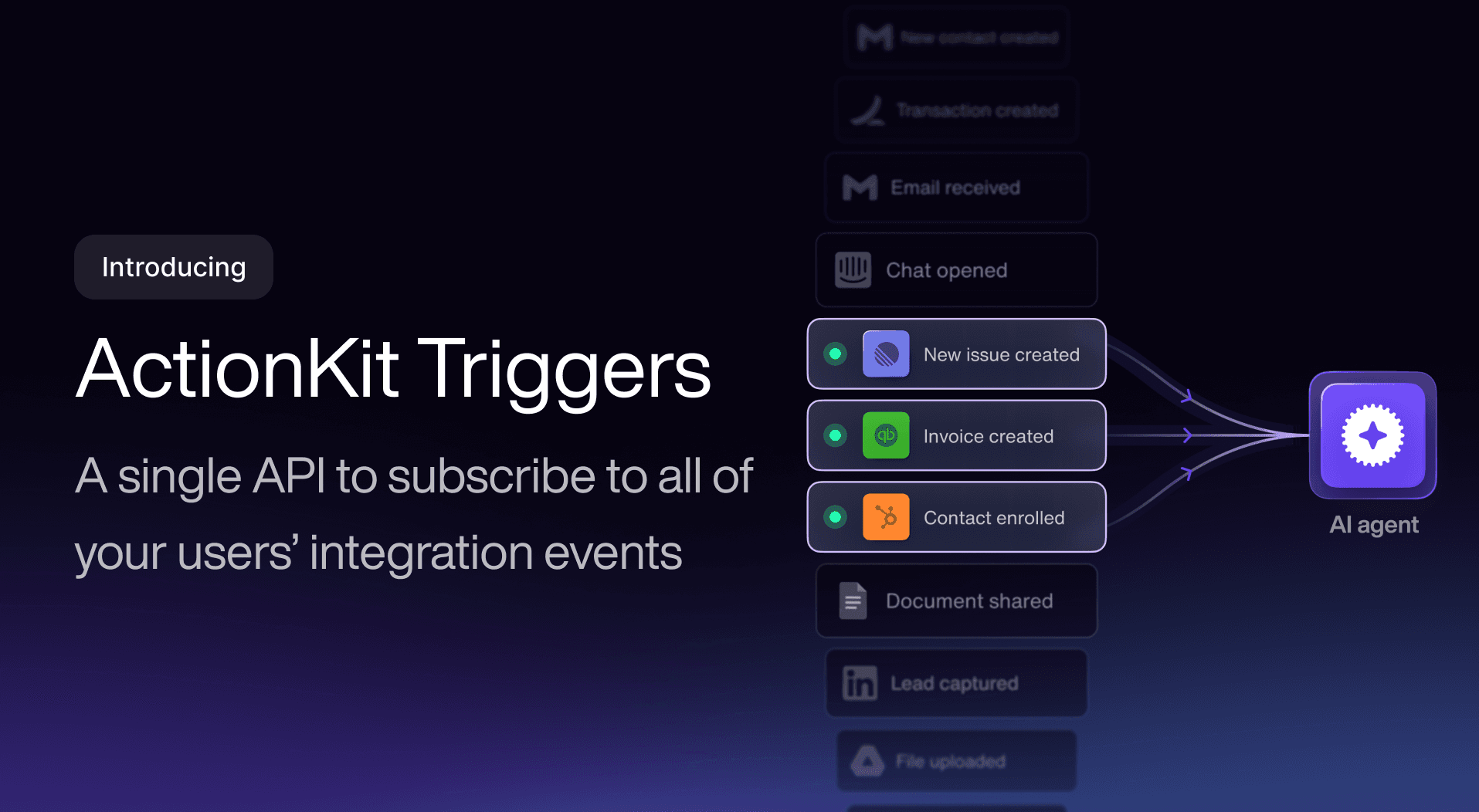
To make it easier for businesses, Paragon uses ActionKit for integrations. Anthropic lists ActionKit on the MCP registry and can support multi-tenant MCP clients. Think of ActionKit as the agent-facing layer that abstracts the more complex nature of AI-based data queries, like an SDK that abstracts standard API calls for a specific software.
Instead of coding, users build their own integrations using a no-code workflow builder in a friendly interface. For enterprise B2B agencies, the builder eliminates the overhead of development. Developers don’t need to handle granular data access permissions, OAuth tokens for each user, and multi-tenant tool connections.
Which Top Unified API Is Right For Your Business?
Every unified API has its own benefits and challenges. The best way to make a decision is to gather your business requirements and look at our comparison table. You should ask yourself what business problem needs to be solved and make a choice from there. Don’t just settle for what problems you have today, but ask yourself what problems you might have in the future. By preparing for your future growth, you can ensure that your unified API can scale with your business growth.
API integrations have shifted from being a “nice to have” to being a core part of enterprise applications. To save on development time and make integrations more user-friendly, Paragon’s graphical workflow design interface gives the power of coding to your users. Instead of writing code, users can drag and drop integrations within your applications. With Paragon, your applications become an added value to your customers, especially if they don’t have a development team to build more complex integrations. Paragon makes it simple for them, and you have a completely white-labeled solution embedded in your customer-facing applications.
See it for yourself and book a demo with us. Find out why fast-growing B2B SaaS companies have chosen Paragon as their unified API integration partner.
FAQs
Can a unified API communicate with my SaaS tools?
Yes, a unified API lets you consume a single API that can then query multiple third-party platforms like Office 365, Google Workspace, Salesforce, Hubspot, Slack, Microsoft Teams, and any other cloud-provider. Ensure that your unified API vendor of choice has a connector for each SaaS platform.
Do unified APIs support AI agents?
Yes, most unified APIs work with Model Context Protocol (MCP), which is a standard for communication between the unified API vendor’s MCP server and your AI agents. Ensure that your vendor of choice offers MCP servers, ideally multi-tenant MCP servers to avoid limitations.
How does a unified API connect my third-party SaaS account to their internal system?
You still use OAuth to connect with your SaaS tools, but the unified API vendor manages tokens and refresh tokens.
How does a unified API connect to third-party SaaS providers?
A unified API has their own process for connecting to SaaS providers, but not every vendor supports the same SaaS applications. Ensure that your vendor of choice supports the SaaS applications that your business integrates into its own applications.
Which unified API has the easiest integration?
Paragon has a graphical user interface where users don’t need coding experience to build automation workflows. Users can drag and drop automation logic into an interface and build their workflows. The visual workflow creator is a unique offer that other B2B unified APIs do not offer.
"/><stop offset="1" stop-color="rgb(145, 118, 251)"/></linearGradient><linearGradient id="ozqTbFI9H-1423756780-linear-gradient" x1="0.49751243781094523" x2="0.5024875621890548" y1="0" y2="1"><stop offset="0" stop-color="rgba(97, 64, 229, 0.16)"/><stop offset="1" stop-color="rgb(145, 118, 251)"/></linearGradient><linearGradient id="pE26o4gxW-1423756780-linear-gradient" x1="0.49751243781094523" x2="0.5024875621890548" y1="0" y2="1"><stop offset="0" stop-color="rgba(97, 64, 229, 0.16)"/><stop offset="1" stop-color="rgb(145, 118, 251)"/></linearGradient><linearGradient id="HHOgKLOd0-1423756780-linear-gradient" x1="0.49751243781094523" x2="0.5024875621890548" y1="0" y2="1"><stop offset="0" stop-color="rgba(97, 64, 229, 0.16)"/><stop offset="1" stop-color="rgb(145, 118, 251)"/></linearGradient></defs><path d="M 6.434 119.935 C 2.798 117.846 0.98 116.802 0.383 115.445 C -0.138 114.262 -0.127 112.912 0.413 111.738 C 1.033 110.391 2.866 109.376 6.535 107.346 L 186.592 7.74 C 194.253 3.502 198.084 1.383 202.139 0.552 C 205.728 -0.184 209.429 -0.184 213.018 0.552 C 217.073 1.383 220.903 3.502 228.565 7.741 L 408.621 107.346 C 412.29 109.376 414.124 110.391 414.744 111.738 C 415.284 112.912 415.295 114.262 414.774 115.445 C 414.176 116.802 412.358 117.846 408.723 119.935 L 229.174 223.08 C 221.305 227.6 217.37 229.861 213.189 230.746 C 209.489 231.529 205.667 231.529 201.967 230.746 C 197.786 229.861 193.852 227.6 185.982 223.08 Z" fill="url(%23lhM4UE7y4-1423756780-linear-gradient)" height="231.33281694397522px" id="lhM4UE7y4" transform="translate(5 0)" width="415.15720989312115px"/><path d="M 3.528 66.547 C 2.242 65.781 1.598 65.398 1.131 64.869 C 0.717 64.4 0.406 63.851 0.215 63.257 C 0 62.585 0 61.837 0 60.339 L 0 9.188 C 0 5.09 0 3.041 0.86 1.854 C 1.611 0.818 2.765 0.15 4.037 0.016 C 5.495 -0.14 7.272 0.881 10.825 2.922 L 190.662 106.233 C 198.532 110.754 202.466 113.014 206.647 113.899 C 210.347 114.682 214.169 114.682 217.869 113.899 C 222.05 113.014 225.985 110.754 233.854 106.233 L 413.691 2.922 C 417.245 0.881 419.022 -0.14 420.479 0.016 C 421.75 0.15 422.905 0.819 423.655 1.854 C 424.516 3.041 424.516 5.09 424.516 9.188 L 424.516 64.78 C 424.516 66.303 424.516 67.065 424.294 67.746 C 424.098 68.349 423.777 68.904 423.352 69.375 C 422.871 69.907 422.211 70.286 420.89 71.045 L 234.252 178.262 C 226.245 182.862 222.242 185.162 217.992 186.041 C 214.232 186.818 210.35 186.787 206.602 185.95 C 202.367 185.005 198.4 182.642 190.467 177.915 L 3.527 66.547 Z" fill="url(%23ozqTbFI9H-1423756780-linear-gradient)" height="186.6011677519727px" id="ozqTbFI9H" transform="translate(0 153)" width="424.51599999999996px"/><path d="M 3.528 66.546 C 2.242 65.78 1.598 65.396 1.131 64.867 C 0.717 64.399 0.406 63.85 0.215 63.256 C 0 62.584 0 61.835 0 60.338 L 0 9.188 C 0 5.09 0 3.04 0.86 1.854 C 1.611 0.818 2.765 0.15 4.037 0.016 C 5.495 -0.14 7.272 0.881 10.825 2.922 L 190.662 106.232 C 198.532 110.752 202.466 113.013 206.647 113.898 C 210.347 114.681 214.169 114.681 217.869 113.898 C 222.05 113.013 225.985 110.752 233.854 106.232 L 413.691 2.922 C 417.245 0.881 419.022 -0.14 420.479 0.016 C 421.75 0.15 422.905 0.819 423.655 1.854 C 424.516 3.04 424.516 5.09 424.516 9.188 L 424.516 64.778 C 424.516 66.302 424.516 67.063 424.294 67.745 C 424.098 68.347 423.777 68.902 423.352 69.373 C 422.871 69.905 422.211 70.285 420.89 71.044 L 234.252 178.261 C 226.245 182.861 222.242 185.161 217.992 186.039 C 214.232 186.816 210.35 186.785 206.602 185.949 C 202.367 185.003 198.4 182.64 190.467 177.914 L 3.527 66.546 Z" fill="url(%23pE26o4gxW-1423756780-linear-gradient)" height="186.5992791581399px" id="pE26o4gxW" transform="translate(0 261)" width="424.51599999999996px"/><path d="M 3.528 62.172 C 2.242 61.406 1.598 61.023 1.131 60.494 C 0.717 60.026 0.406 59.477 0.215 58.882 C 0 58.21 0 57.462 0 55.965 L 0 9.1 C 0 5.067 0 3.051 0.848 1.87 C 1.588 0.84 2.727 0.168 3.987 0.019 C 5.43 -0.151 7.195 0.825 10.724 2.777 L 191.044 102.529 C 198.785 106.811 202.655 108.952 206.749 109.779 C 210.373 110.511 214.109 110.494 217.726 109.729 C 221.812 108.864 225.663 106.688 233.364 102.335 L 305.348 61.648 C 308.891 59.646 310.662 58.645 312.114 58.807 C 313.38 58.948 314.528 59.618 315.274 60.65 C 316.129 61.834 316.129 63.869 316.129 67.939 L 316.129 121.417 C 316.129 122.925 316.129 123.679 315.911 124.355 C 315.718 124.953 315.403 125.505 314.984 125.974 C 314.512 126.504 313.861 126.886 312.561 127.649 L 234.368 173.545 C 226.323 178.267 222.301 180.628 218.019 181.542 C 214.231 182.351 210.313 182.338 206.53 181.505 C 202.254 180.563 198.247 178.175 190.233 173.401 Z" fill="url(%23HHOgKLOd0-1423756780-linear-gradient)" height="182.13937459493218px" id="HHOgKLOd0" transform="translate(0 369.5)" width="316.1290000000001px"/></svg>)

