
Paragon vs. Membrane
Engineering teams pick Paragon over Membrane for better version control, release pipeline, Typescript framework, and sync engine. Holistically speaking, Paragon is a more enterprise-ready platform.
Trusted by hundreds of B2B & AI SaaS engineering teams












Paragraph
Integrations-as-code Typescript framework
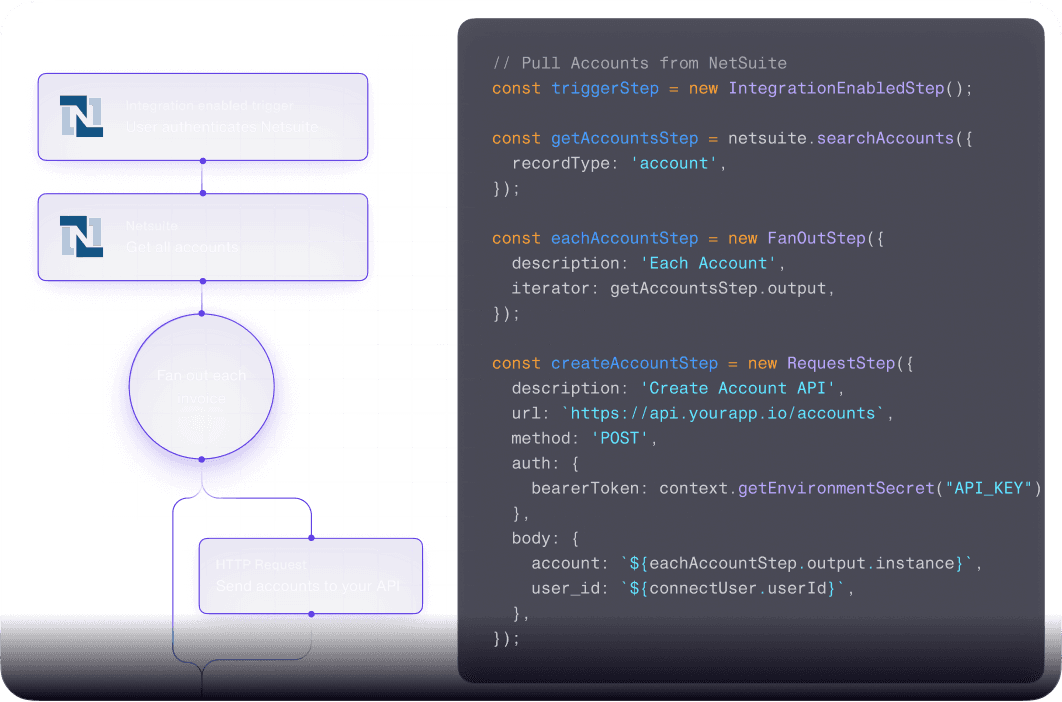
While Membrane provides a YAML representation of the integrations built on their platform, Paragon enables engineers to author integrations both in code and via the workflow builder.
Bi-directional sync with your git repository
Pre-built typeaheads for 100+ integrations
Interchangeable between code and visual workflow builder
VERSIONING
More robust deployment process
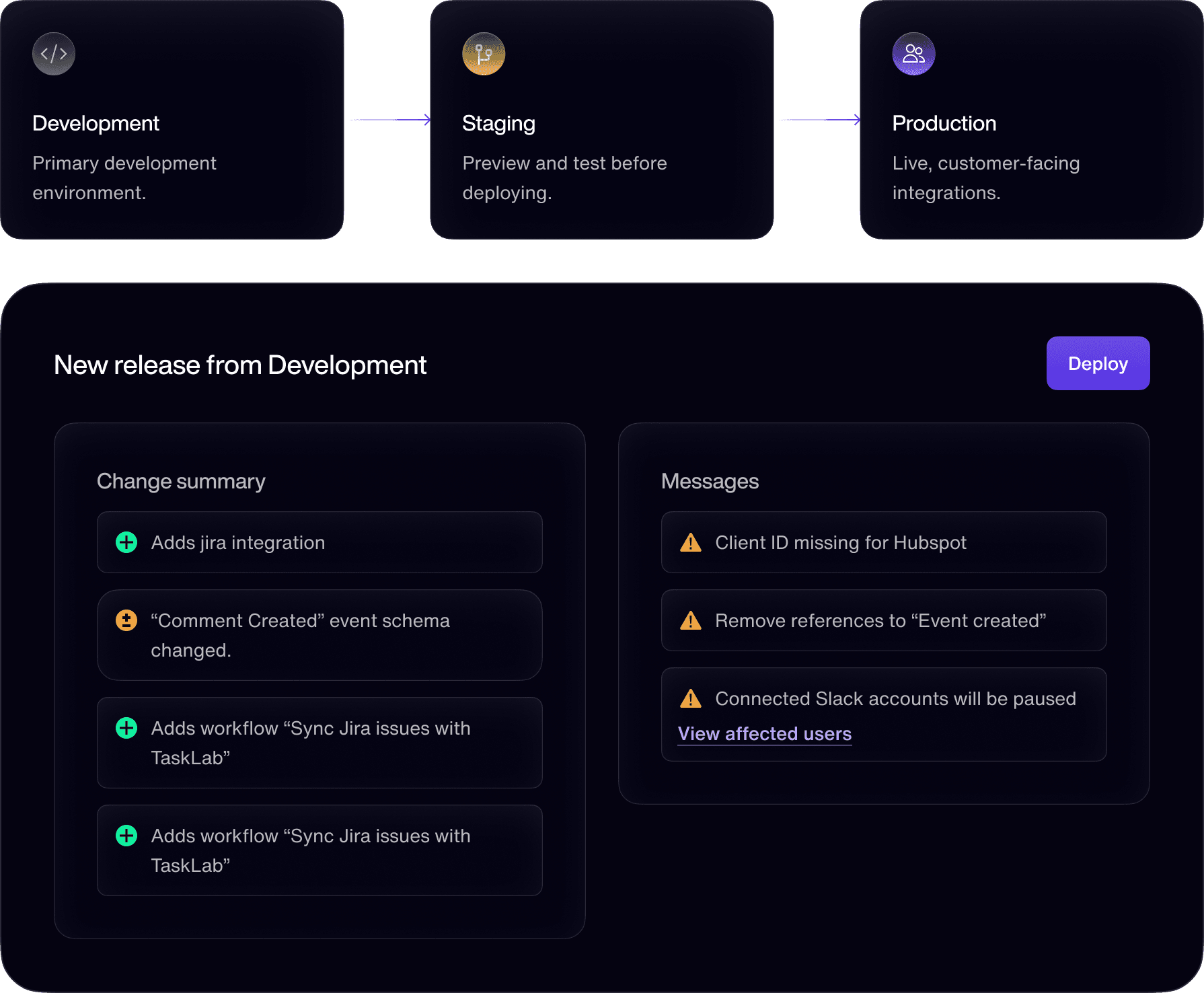
Don't risk accidentally pushing breaking changes to production. Paragon enables you to safely build, test, and deploy integration updates to your users at scale.
Release environments with role-based controls
Diff to highlight changes and deployment warnings
Shared versioning across all users (like all other product features)
Scale
Paragon is enterprise-ready
Paragon has been battle tested and is used in production by enterprise companies like Dropbox, Sinch, and Pryon. Here are some metrics:
1600 transactions-per-second
2TB of data transacted per day for a single customer
100M requests per day
1,600
Requests per second
2TB
Data per day
Workflow engine
Run syncs and automations at scale on our Workflow Engine. Workflows can retry from errors automatically, replay from the original request payload, and show input and output for every running step.
Sync
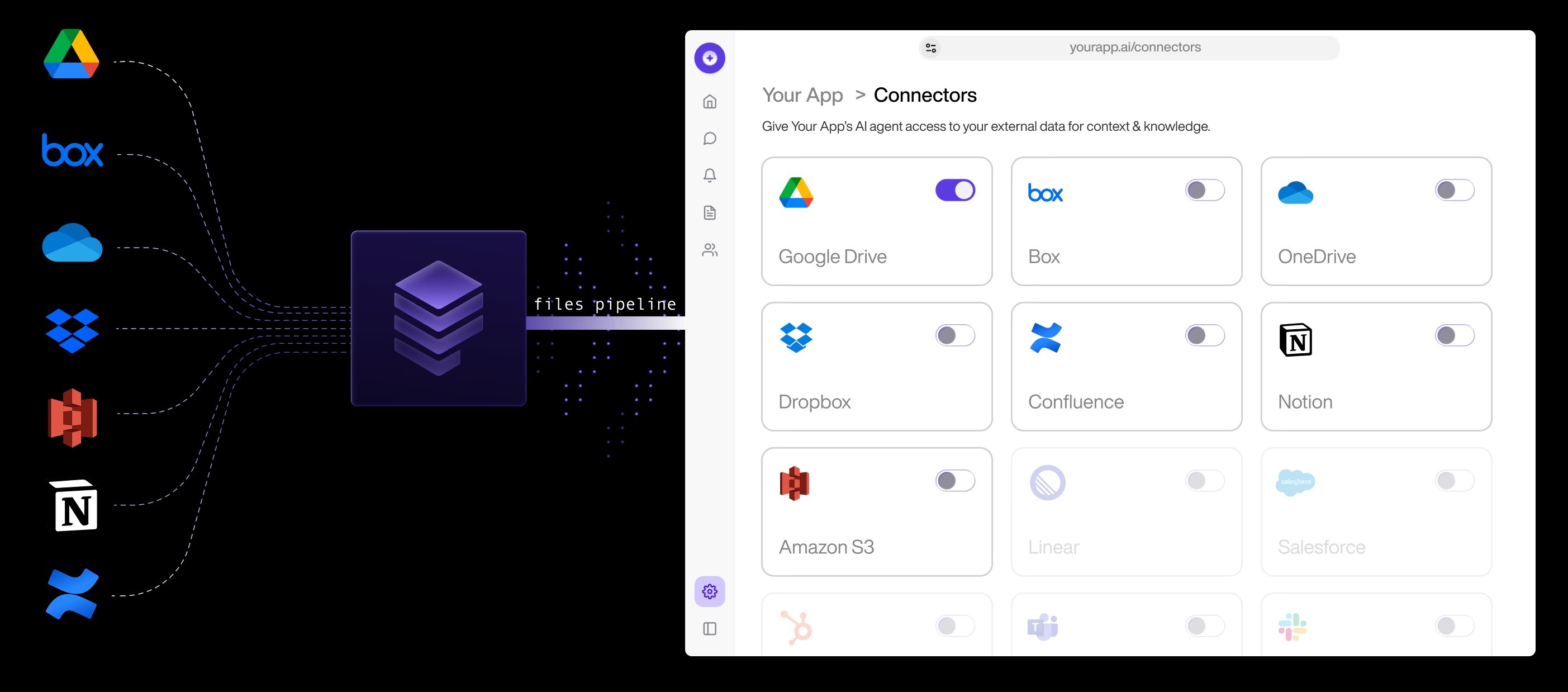
Managed Sync, Purpose-Built for High-Volume Inestion
Membrane's workflows (flows) has limited performance on throughput and parallel runs. Paragon built Managed Sync specifically for high-volume ingestion jobs, able to sync hundreds of thousands of files, CRM records, and tickets in just minutes.
Sync APIs that make it easy to spin up resilient data pipelines
Permissions are managed and accessible via Permissions API
In-sync with all updated and deleted data
OBSERVABILITY
End-to-end observability
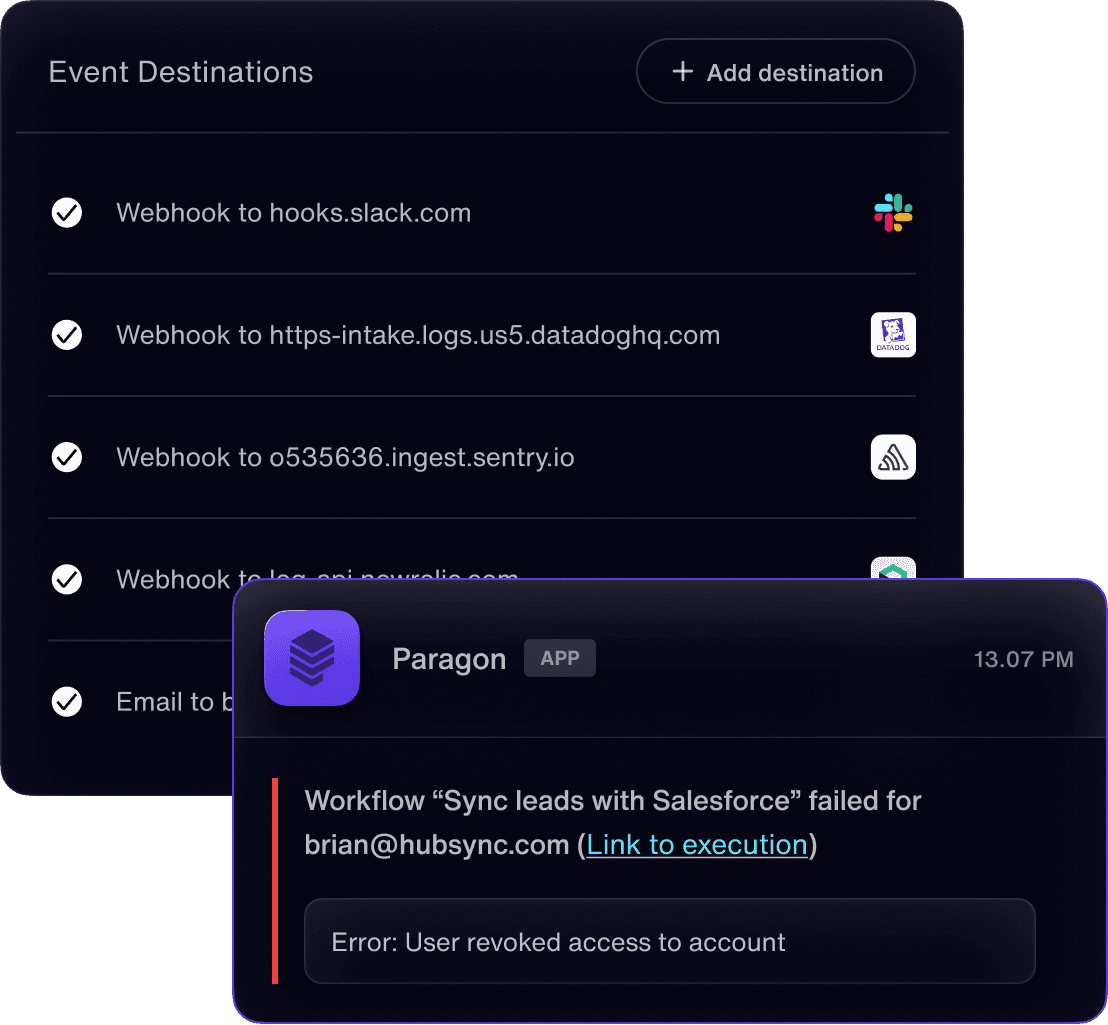
Don't settle for basic iPaaS logging. View detailed input/outputs of each workflow run, query all jobs with our Task History API, and stream errors to your observability platform with event webhooks.